Pocket AI flashcard tutor with e-paper and spaced repetition
A pocket gadget that quizzes you with flashcards on a 2.13-inch e-paper screen and uses spaced repetition so you see hard cards more often. An AI helper turns your notes into the card deck, which you upload over Wi-Fi. Runs for days on a small LiPo.
Safety first
- Check LiPo plug polarity before connecting; a reversed cell can damage the board or start a fire. Do not charge it unattended or in a hot car.
- Small parts and a LiPo inside: not a toy for small children.
Parts
| Part | Qty | Approx. each | Subtotal |
|---|---|---|---|
| LILYGO T5 2.13-inch e-paper ESP32 boardESP32 with a built-in 2.13-inch e-paper panel and LiPo charging. Panel driver varies by version; check the label. Typical $20-32, no verified link.Amazon (search) | 1 | $25 | $25 |
| Adafruit tactile switch buttons 12 mm (10-pack)Price seen $2.50 on Adafruit (Nov 12, 2026).Adafruit | 1 | $2.50 | $2.50 |
| 3.7 V 1000 mAh LiPo with JST-PH 2.0 plugCheck the plug size and polarity against your T5 board before connecting. Typical $7-12, no verified link.Amazon (search) | 1 | $9 | $9 |
| Silicone-insulated 26 AWG wire kitTypical $7-13, no verified link.Amazon (search) | 1 | $10 | $10 |
| Estimated total (parts only) | $46.50 | ||
Typical US prices, checked 2026-11-12. Prices change and multi-packs are often cheaper per piece.
As an Amazon Associate I earn from qualifying purchases. Prices change; check the store.
Filament
PLA (1.75 mm): about 40 g (13.4 m), roughly 3 h of printing.
PLA, 0.2 mm layers, 20% infill, 2 walls; print the case with three button caps.
AI agents you'll use
- Code helper (ChatGPT, Claude, Gemini or Grok): Writes the ESP32 sketch: load cards from a CSV in LittleFS, Leitner scheduling, three-button review, deep sleep, and a Wi-Fi upload page.
- Flashcard maker: Turns your notes into short question/answer pairs in CSV, one fact per card, and marks anything it is not sure about so you can check it.
Tools
- Soldering iron
- Small screwdriver
- USB-C data cable
What you'll learn
- Spaced repetition (Leitner boxes)
- Driving e-paper displays with GxEPD2
- Storing files on the ESP32 with LittleFS
- Prompting an AI to make good flashcards from notes
Study in short bursts anywhere: on the bus, in a queue, before a test. The device decides which cards you need most, and the AI does the boring work of writing the deck.
What you'll build
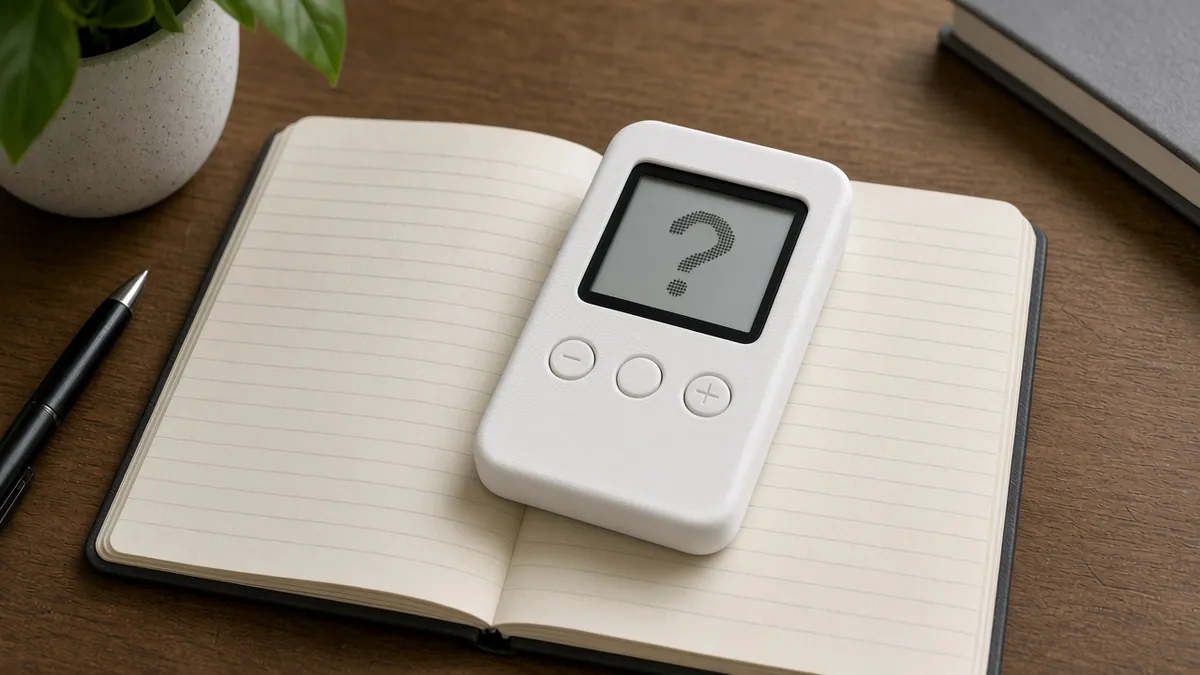
A deck-of-cards-sized case with a LILYGO T5 board (ESP32 plus a 2.13-inch e-paper screen) and three buttons: Flip, Knew it and Missed it. Cards live in a CSV file in the ESP32's flash. Each answer moves the card between five Leitner boxes, so missed cards come back soon and known cards come back days later. Hold Flip at boot to start a Wi-Fi page and upload a new deck. Between cards it deep-sleeps; e-paper keeps the image with no power.
The cost range is $40-55 for the parts listed below, allowing about 10% either way for price swings.
Print the parts
Print a two-part case sized to your T5 board with a window for the screen and three button caps. Measure your board; versions differ slightly.
Wiring
| From | To | Notes |
|---|---|---|
| Flip button | T5 GPIO (a free RTC-capable pin, e.g. GPIO39 if broken out) and GND | Check which pins your T5 version exposes; some are used by the display. |
| Knew-it button | Another free GPIO and GND | INPUT_PULLUP, or an external pull-up on input-only pins. |
| Missed-it button | Another free GPIO and GND | |
| LiPo | T5 battery connector | Check polarity. |
Pin numbers vary between LILYGO T5 revisions; read the pin map printed on your board or in the LILYGO repository before soldering.
Step-by-step
- Identify your T5 version and panel, and run the matching GxEPD2 example.
- Choose three free GPIOs and wire the buttons.
- Ask the flashcard maker to turn a page of notes into a CSV deck and check it.
- Write the review loop and Leitner scheduling with the code helper.
- Add the Wi-Fi upload page and deep sleep.
- Print the case, fit the battery and test a full study session.
Code
Arduino-ESP32 with GxEPD2 (choose the display class for your panel) and the built-in LittleFS and WebServer libraries.
Prompt for the code helper:
Write an Arduino-ESP32 sketch for a LILYGO T5 2.13-inch e-paper board using GxEPD2 (I will tell you my panel class).
Load cards from /deck.csv (question,answer,box,due) in LittleFS. Show the question; Flip button shows the answer; Knew-it moves the card up a Leitner box (due in 1, 2, 4, 8, 16 sessions), Missed-it moves it to box 1. Save progress after each card.
Buttons on <pins>. Deep-sleep after 60 s idle with wake on the Flip button. Holding Flip at boot starts a Wi-Fi access point with an upload page for a new deck.csv.
Troubleshooting
- Screen shows noise or nothing: Wrong GxEPD2 display class for your panel. Check the panel label.
- Battery drains overnight: The board is not entering deep sleep, or a button pin floats. Add pull-ups.
- Upload page will not load: Connect to the device's Wi-Fi first and open the IP shown on screen.
Files, code and docs
- GxEPD2 e-paper library (ZinggJM) (GPL-3.0)
- LILYGO T5 e-paper series (board docs) (Vendor docs)
- Installing the Arduino-ESP32 core (Espressif docs) (Vendor docs)
Last checked 2026-11-12. Double-check parts against your own board and seller listings before you buy.